
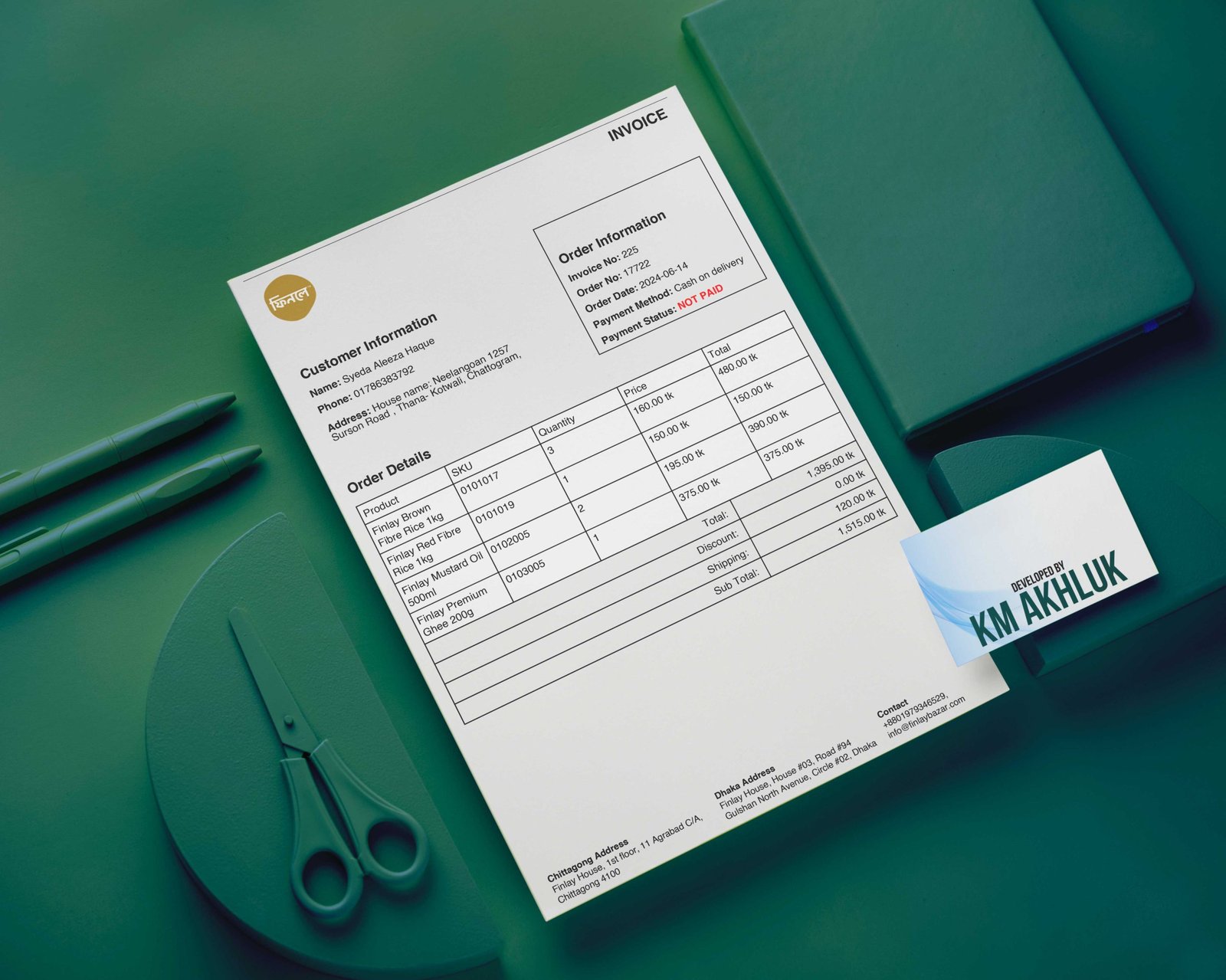
Plugin Name: WooCommerce PDF Invoices
Plugin URI: https://kmakhluk.com/
Description: The WooCommerce PDF Invoices plugin automatically generates PDF invoices for your WooCommerce orders. It provides customizable invoice numbering, seamless integration with WooCommerce order details, and user-friendly settings for logo and invoice number prefix customization.
Version: 1.0
Author: Km Akhluk
Author URI: https://kmakhluk.com/
License: GPL2
Description:
The WooCommerce PDF Invoices plugin is a powerful tool designed to enhance your WooCommerce store by generating professional PDF invoices for your customers automatically. This plugin seamlessly integrates with your WooCommerce order management system, providing a convenient and efficient way to manage your invoicing needs.
Features:
- Automatic PDF Generation: Automatically generate PDF invoices for each completed WooCommerce order.
- Sequential Invoice Numbering: Assign unique, sequential invoice numbers to each order, ensuring easy tracking and management.
- Customizable Invoice Prefix: Customize the prefix for your invoice numbers through the plugin settings.
- Immutable Invoice Numbers: Once assigned, invoice numbers remain unchanged across multiple downloads.
- User-Friendly Meta Box: Display invoice numbers and dates on the WooCommerce order details page with easy access to download and view options.
- Customizable Invoice Logo: Personalize your invoices by uploading your logo through the plugin settings.
- Detailed Customer and Order Information: Clearly display customer and order details on the PDF invoice, including billing information, payment status, and order items.
- Professional PDF Layout: Generate well-structured and visually appealing PDF invoices using TCPDF, with options for header logos and custom footer information.
- Settings Page: Easily configure your invoice settings, including the logo URL and invoice number prefix, through a dedicated settings page in the WooCommerce admin menu.
How to Use:
- Install and Activate: Upload the plugin to your WooCommerce store, activate it, and navigate to the settings page to configure your preferences.
- Configure Settings: Customize your invoice logo URL and invoice number prefix through the settings page.
- Automatic Invoicing: Upon order completion, the plugin automatically generates a PDF invoice with a unique, sequential invoice number.
- Download/View Invoices: Access the invoice directly from the WooCommerce order details page, with options to download or view the invoice.
Installation:
- Upload the plugin files to the
/wp-content/plugins/woocommerce-pdf-invoicesdirectory or install the plugin directly through the WordPress plugins screen. - Activate the plugin through the ‘Plugins’ screen in WordPress.
- Navigate to the WooCommerce > PDF Invoice Settings page to configure the plugin.
Enhance your WooCommerce store’s invoicing capabilities with the WooCommerce PDF Invoices plugin. Generate professional, sequentially numbered PDF invoices automatically, ensuring a smooth and efficient invoicing process for your business.
For more information and support, visit Km Akhluk.
